AI Clothes Changer: Instantly Swap Outfits in Photos with AI
Have you ever taken the perfect selfie, only to realize your outfit doesn't match the vibe? Or maybe you need a professional LinkedIn profile picture, but you're wearing an old t-shirt?
In the past, fixing this required hours of Photoshop skills. But in 2025, Generative AI has changed the game.
With an AI Clothes Changer, you can virtually try on any outfit, switch colors, or transform a casual photo into a professional headshot in seconds—just by uploading what you want to wear.
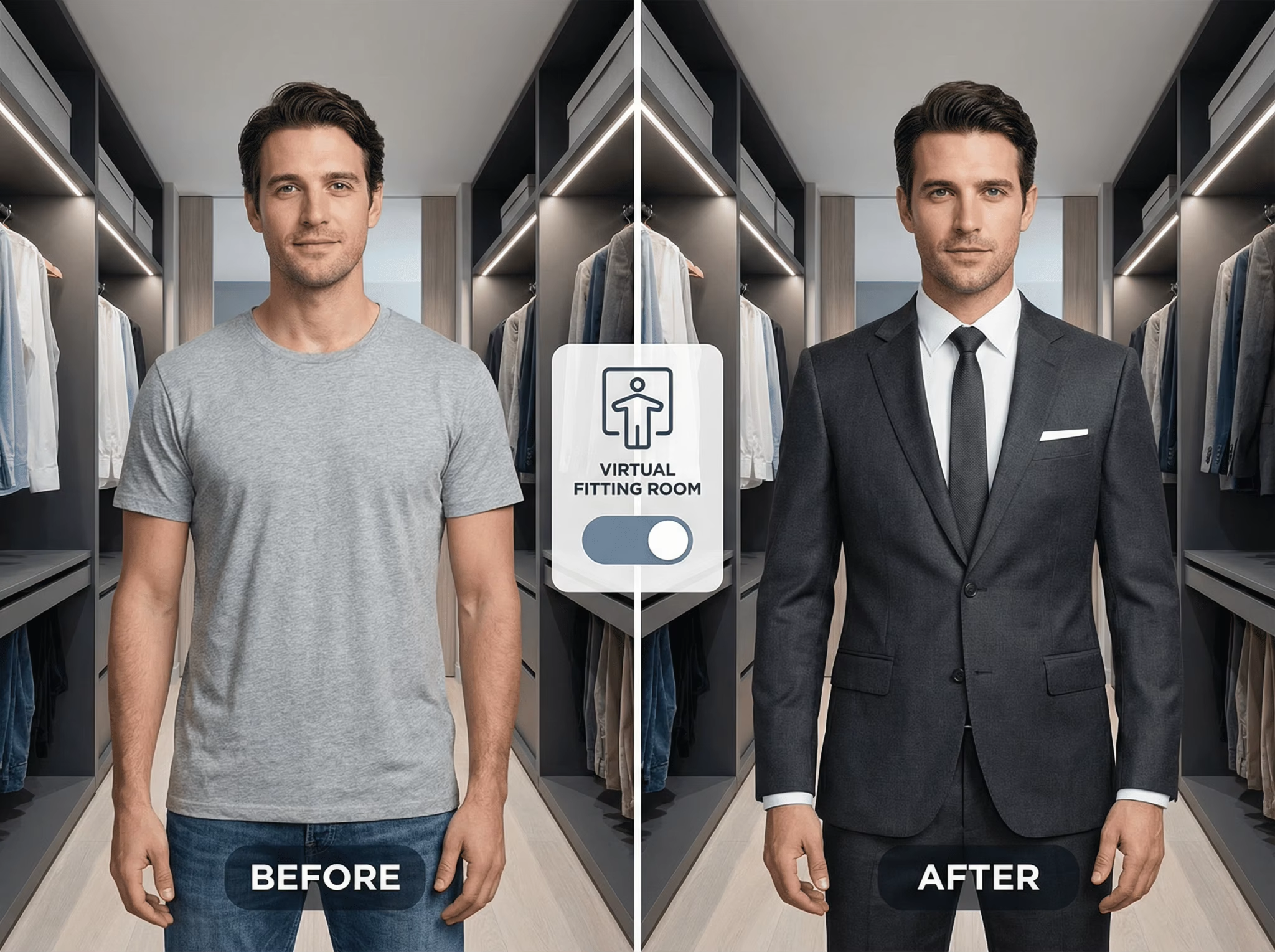
👉 Try the AI Clothes Changer for Free Now
What is an AI Clothes Changer?
An AI Clothes Changer is a tool powered by advanced generative artificial intelligence. It uses a technique called "inpainting" to identify the clothing area in your photo and replace it with a new texture or style based on your text prompts.
Unlike old-school photo editors that just paste a fake sticker over your body, our AI understands lighting, body shape, and fabric texture to ensure the result looks 100% realistic.
Why Use an AI Outfit Generator?
Here are the top reasons why users love this tool:
1. Create Professional Headshots for Free
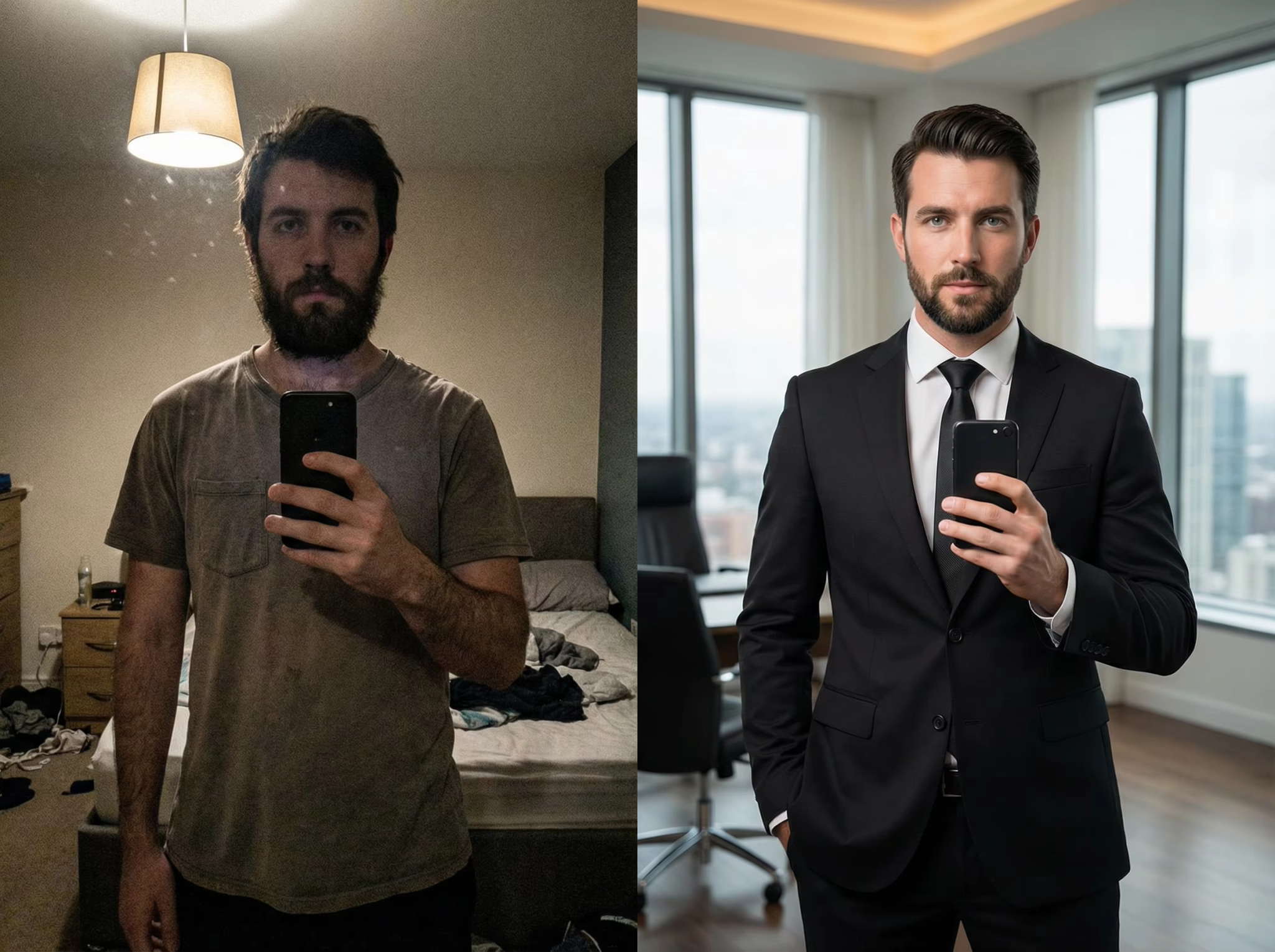
Don't have time or budget for a studio shoot? Take a regular photo, use our AI to brush over your casual shirt, and type "navy blue business suit." Instantly, you have a professional photo ready for LinkedIn or your CV.
2. Virtual Try-On (Fashion Experimentation)
Wondering how you’d look in a red evening dress, a vintage leather jacket, or a cyberpunk hoodie? Experiment with hundreds of styles without spending a dime or stepping into a fitting room.
3. Save "Ruined" Photos
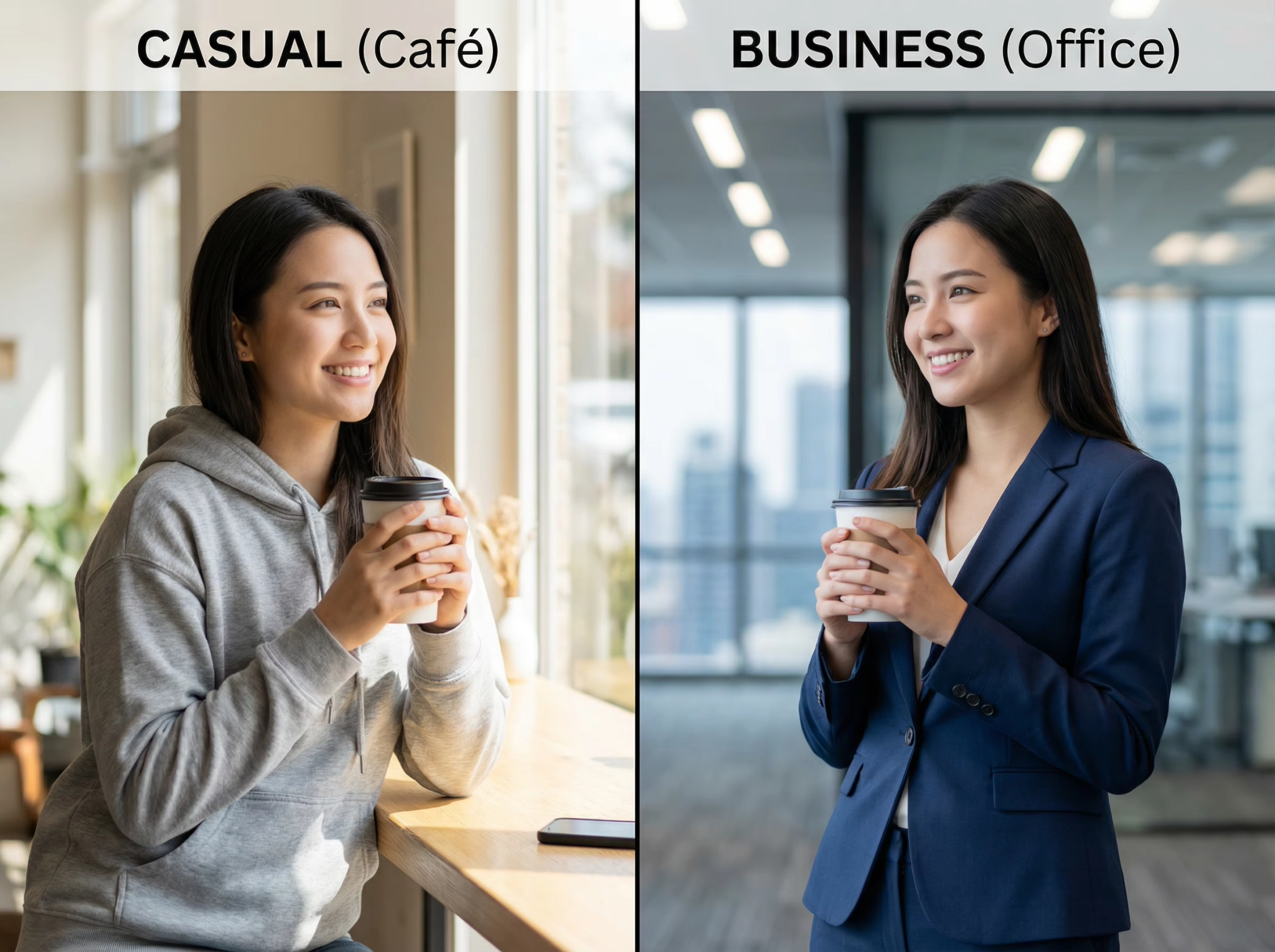
Great smile, bad shirt? Don't delete the photo. Simply swap the outfit to something that flatters you more.
How to Change Clothes in a Photo (Step-by-Step)
Using our AI Clothes Changer is incredibly simple. You don't need any technical skills.
Step 1: Upload Your Photo Select a photo where the subject is clear. High-resolution images yield the best results.
Step 2: Upload the image of the outfit you want to use. Upload the clothing you wish to swap to—whether it's a suit or a jacket. You can find images like this on Amazon or any other e-commerce platform.
Step 3: Click "Create". You don't need to modify any prompts; simply clicking "Create" is enough. If you want to change the aspect ratio, select the corresponding ratio first, and then click "Create".
Step 4: Download Within seconds, the AI will weave the new outfit onto your body naturally.
FAQ
Is it free to use?
Yes, our basic AI Clothes Changer features are free to try. Experience the magic of AI fashion today.
Does it look fake?
Our advanced algorithms are tuned for photorealism. The AI adjusts shadows and folds to match your body shape, making the swap look natural.
Can I change the color of my clothes only?
Absolutely. Just type "change the color to green" in the prompt box.
Conclusion
Whether you are updating your social media profile, needing a quick business photo, or just having fun with fashion, an AI Clothes Changer is your ultimate digital stylist.
Stop worrying about what to wear. Let AI handle the wardrobe.